Get More Out of Your YMCA Experience
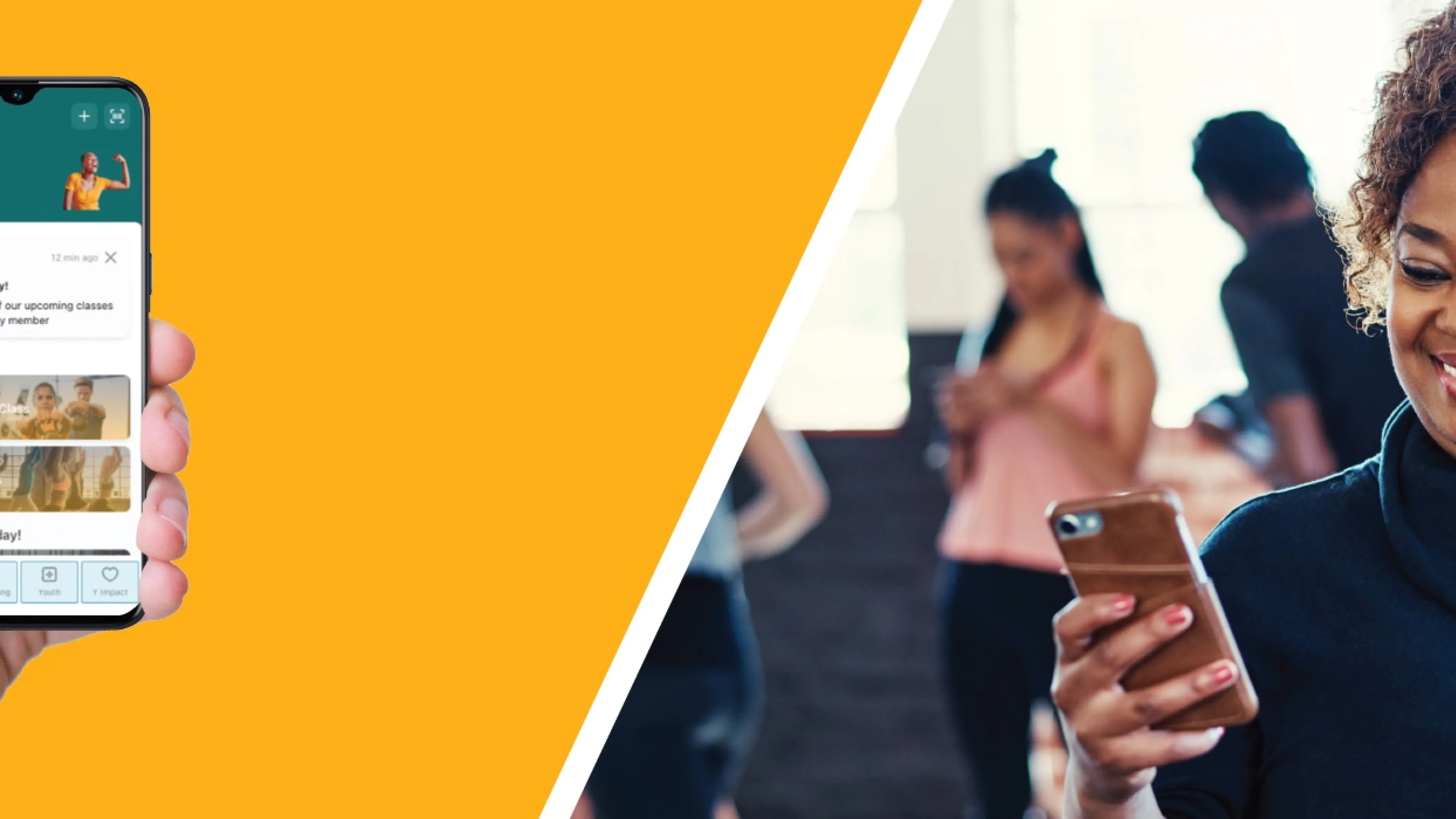
Enhance your YMCA experience and use this easy resource for connection to your YMCA.
- Improved customer experience and simpler navigation
- Quick access to fitness schedules and reservations
- Easy booking for Adventure Zone (child care while you work out)
- Simple scan in and logging of your work outs
- Tracking of your progress and BioAge
- Information about YMCA programs for adults, families, teens
- Member news and Y stories
Stay connected to the YMCA for your overall well-being!
Important:
Read more about our transition to new group reservation system.
DOWNLOAD HERE


Lots of things!
- Access your membership bar code
- Sign in at your Y location
- Book your spot in a fitness class
- Log a workout
- Purchase Personal Training and Pilates Reformer sessions
- Reserve a spot in Adventure Zone for your child
- Access member news and upcoming program registrations
- Access Virtual Y/360
- Find out how to volunteer
- And much more
The app works on Apple phones and iPads, Android mobile phones and some tablets. Since apps are designed for mobile devices, you will have the best app experience on a mobile device.
Need help? Ask a Y staff member for support.
If you are downloading the Denver YMCA app for the first time:
- iOS Users: You will need to update your app in the Apple App Store. Search for "YMCA of Metro Denver" and click on the new app with the black tile (do not just click "open"). Once you click on the black tile, you'll see an option to update, and you can follow the steps as a first-time user. If that does not work, simply delete the former Denver YMCA app (gray tile) and download the new one (black tile).
Android Users: Search "YMCA of Metro Denver" in the Google Play store or directly to this link.
- Select the new app with the black tile and tap Install.
- If you don't see the option to update, delete the previous Denver YMCA app with the gray tile, then download the new app with the black tile.
- Select "First time login or Forgot password."
- Enter the same email address from the YMCA Account you just set up.
- You'll receive a PIN # in your email from upace@upaceapp.com. (If you don't see it in your inbox, check your junk folder.)
- Enter the PIN # in the mobile app.
- Create a password. (If you don't want to remember multiple passwords, use the same password as your YMCA Account.)
- Log into the app with your email address and newly created password, and you're ready to experience all the new features!
If already have an account, but cannot remember the password, click the "reset password" link. Reset instructions will be emailed to you shortly. Be sure to fill in the profile information, as it will have a direct impact on your bio age information and workout history details.
From your Denver YMCA Account, Click on the barcode on top of your photo, and you’ll have the option to text a link to yourself. Once you receive the link, click on it and add to your wallet.
Once you are logged into the app, look for the green "Check in" button. Click on the button and your barcode will appear.
If you are an Apple or Android user, you can add your barcode to your wallet from your Denver YMCA Account. Click on the barcode on top of your photo, and you’ll have the option to text a link to yourself. Once you receive the link, click on it and add to your wallet.
To book a class:
- Go to your mobile app home screen.
- Select Classes (right under Welcome, {your name]).
- Select a date.
- Use the filters to narrow down a location.
- Scroll down to find the class you want to book.
- Select the green "Reserve" button.
Group fitness class reservations are available from 10 days before class until class starts or until all spaces are filled. Wait lists are noted on the class listing.
To cancel a class:
- Go to your mobile app home screen.
- Look for My Reservations.
- Click on the class you want to cancel.
- Click on the red "Cancel" button.
If you are not able to attend class, please cancel your reservation as soon as possible to make space for your fellow members.
Visit ymca360.org.org and enter your YMCA credentials — your email address. A verification code will go to your email address. Enter the code and you’ll be logged into YMCA360.
From the Denver YMCA mobile app, scroll to Quick Actions and select the YMCA 360 button.
Visit ymca360.org.org and enter your YMCA credentials — your email address. A verification code will go to your email address. Enter the code and you’ll be logged into YMCA360.
From the Denver YMCA mobile app, scroll to Quick Actions and select the YMCA 360 button.
You can achieve different activity levels for all of the activity you accumulate throughout the day. You earn activity points for all your logged activity, whether it's through EGYM equipment, your own fitness tracker, a class booking or manually creating a workout and logging it.
As you accumulate more points, you advance through the different activity levels. If you change your activity over time, you will move to different activity levels (either advancing or moving backward).
Make sure push notifications are turned on in your phone’s settings, so you don’t miss timely communication.
You can also view push notifications that were sent from the main screen by tapping on the bell icon in the top right corner.
Notifications are important ways for the YMCA to share timely news. We encourage you to turn on this notification.
Yes. The max wait list is 5 participants.
Wait lists are noted on the class listing. If you are on the wait list, you will be notified if a spot opens up.
Yes, you will receive a notification when you book a class and a reminder email 24 hours before the class. You will also receive a notification if a class instructor changes or the class is cancelled.
Group fitness classes (Bodypump, Pilates, Cycle, etc.), member orientations and nutrition orientations can be cancelled up until the start of the class/session. As a courtesy to fellow members, we ask that you cancel your class booking as soon as possible if you know you cannot attend.
Sessions for health coaching, massage, nutrition consultation, Pilates Reformer and Studio Y need to be cancelled 24 hours in advance to avoid a no-show fee. If there is an extenuating circumstance for the cancellation, please connect with a YMCA manager.
You receive a message for missing a fee-based session — personal training, nutrition, Pilates Reformer, health coaching, etc. You will not receive a message for missing a free group fitness class.
You can book sessions (including Personal Training, Health Coaching, Nutrition Consultation and Pilates Reformer) in the mobile app if you have purchased a package or already have credits. New purchases must be made on the website or at the front desk.
Log in through the website or the mobile app. On the first experience, you will be prompted to sign in. You can use the same login you use for your YMCA mobile app. After logging in the first time, the system will remember your login, and you are all set!
Forget your password?
- If you cannot remember your YMCA mobile app password, click the reset password link, and reset instructions will be emailed to you shortly. Remember to fill in the profile information, as it will impact your EGYM bio age and workout history details.
- If you cannot remember your YMCA mobile app username, contact digitalsupport@egym.com. You should receive a response within 12-24 hours. Issue resolution and account recovery typically takes 48-72 hours and can take longer for more complex issues.
If you still have questions, ask a staff member in a center or contact us.